Poe - Fast AI Chat
- 4.4
- Rating
- 10.00M
- Installs
- Free
- Price

 Analysis by App-foxy
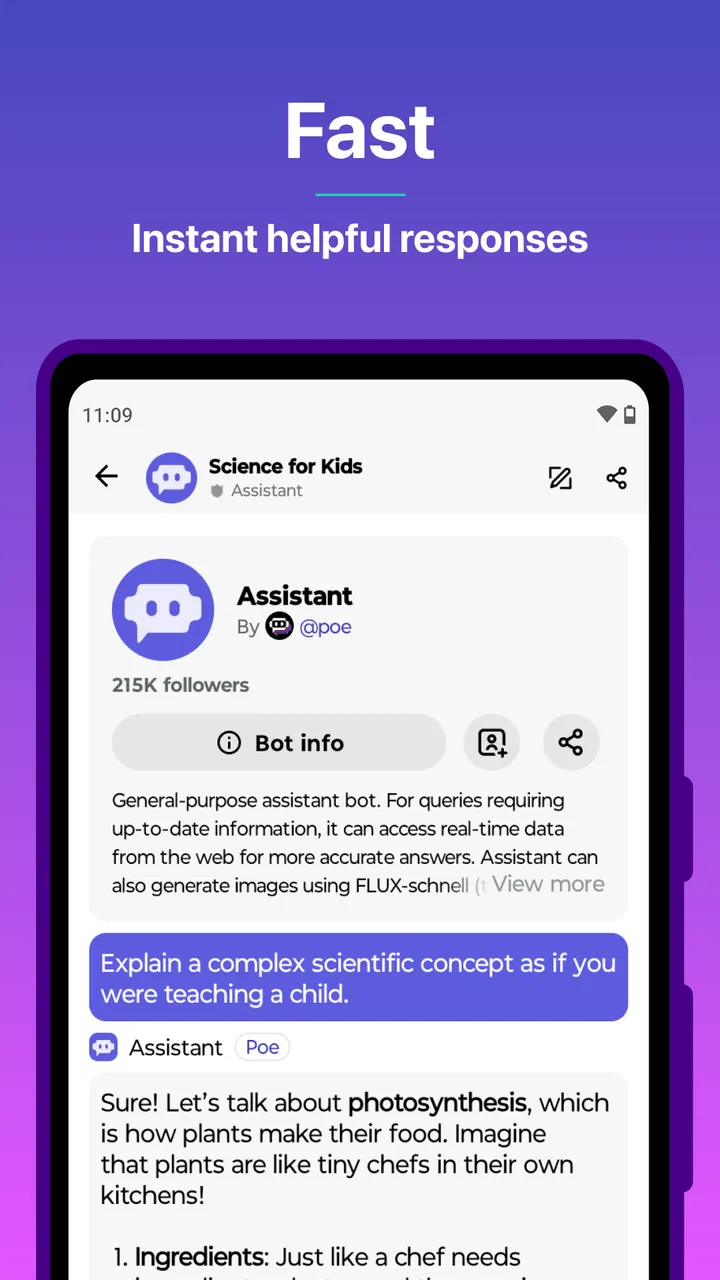
I approached Poe - Fast AI Chat as a practical productivity app rather than as a single chatbot. Its main appeal is the chance to work with several advanced AI systems from one place, including GPT-4.1, Claude 3.7, DeepSeek-R1 and other options. That makes it interesting for anyone who regularly switches between writing, brainstorming, research, coding help and everyday questions.
My first impression was that Poe makes the choice of model part of the workflow. Instead of opening separate services and trying to remember which one is best for a particular task, I can stay inside one app and compare the kind of response I get. That convenience is the reason I would recommend trying it, although it also creates a learning curve: a long list of capable models can be less reassuring than one clearly explained assistant.
What to expect before you start
Poe is a free productivity app from Quora, Inc., designed around AI conversations. It is available for users rated Everyone, and the Android release works from Android 8.0 onward. The app has reached over ten million installs and holds a 4.4 average from around 464 thousand ratings, so it is not an obscure experiment. Its current version is a3.76.1.
You May Also Like

 AccuWeather: Weather Radar
AccuWeather Review: A Quick, Clear Forecast for Everyday Decisions
For everyday plans, the best forecast is the one you can understand quickly. AccuWeather makes rain timing, radar, and local conditions easy to act on, with a few trade-offs.

 Hill Climb Racing
Why Hill Climb Racing Still Turns Crashes Into One More Run
A tiny car, a bumpy hill and one more upgrade: Hill Climb Racing keeps resurfacing because its simple chaos makes every near-miss feel personal.

 AliExpress - Shopping App
AliExpress Makes Global Shopping Feel Personal, but Shoppers Bear the Risk
AliExpress turns a global marketplace into a pocket-sized discovery engine. Its reach is useful, its shopping loop compelling, and its trade-offs easy to miss.

 Lords Mobile: Kingdom Wars
Lords Mobile Is a Kingdom-Building Routine, Not a Quick Match
A case-by-case verdict on the building, battles, device demands, and social commitments that make Lords Mobile rewarding for some players and exhausting for others.

 PDF Scanner app - TapScanner
TapScanner Makes Paperwork Easier to Capture, Check, and Share
TapScanner makes scanning with a phone feel less like a rescue operation and more like a dependable step in getting work done. Its capture tools are useful, though not flawless.

 Block Blast!
 Shows How Much a Puzzle Game Can Leave Out
A quiet grid game shows why puzzle players increasingly value instant clarity, repeatable skill and low-pressure play—and where the genre still needs to catch up.
More From Our News Desk
View All News


The free entry point is useful, but I would not treat the app as an unlimited replacement for every paid AI service. Poe includes in-app purchases ranging from $0.99 to $999.99 per item, and the practical experience can depend on the model you choose and how heavily you use it. I would begin with small, clearly defined tasks before deciding whether any paid option is worthwhile.
The most important expectation to set is this: Poe gives you access to different AI personalities and capabilities, but it does not remove the need to judge their answers. A model can produce a polished explanation that still misses a detail, misunderstands your goal or confidently suggests something unsuitable. I use it as a fast collaborator, not as an automatic authority.
Why the multi-model approach matters
With a conventional chatbot app, the central question is usually whether that one assistant suits your needs. Poe changes the question to “which available assistant fits this task?” That is valuable when the task changes quickly. I might want one model to turn rough notes into a friendly message, another to challenge an argument, and a reasoning-focused option to work through a complicated problem.
The benefit is not simply having more names on a screen. The real advantage is comparison. If an answer feels vague, I can try the same carefully written prompt with another model and look for agreement, missing assumptions or different interpretations. This is especially useful when I am preparing a plan and want criticism rather than another agreeable response.
The trade-off is that model choice can become procrastination. A first-time user may spend more time browsing options than explaining the task. My advice is to select one sensible model, write a complete prompt and only switch when the response reveals a specific weakness. The quality of your instructions usually matters more than endlessly hunting for the perfect model.
Getting set up without overthinking it
After installing Poe, I would begin with one real task rather than testing random questions. Think of something small with a visible finish line: rewriting a confusing email, turning a meeting note into action points, outlining a study session or comparing two approaches to a work problem. A concrete goal makes it easier to tell whether the app is helping.
When you open a conversation, describe the situation before asking for the output. For example, instead of writing “make this better,” explain who will read the message, what tone you want and what information must remain unchanged. This is one of the quickest ways to get a useful first result, regardless of which model you select.
I also recommend keeping the first prompt narrow. Asking for a complete business plan, a finished article and a detailed market analysis in one message makes it difficult to spot errors. Ask for an outline first, review it, then request the next part. Poe becomes more manageable when you treat the conversation as a sequence of decisions rather than a single magic command.
One practical habit is to state what the AI should not do. If I am revising a message, I might say, “Keep the meaning, remove repetition, and do not add promises.” If I am asking for study help, I might say, “Explain the idea first, then give me two practice questions without solutions.” These boundaries reduce the chance of receiving an attractive but unusable answer.
Your first meaningful success
A realistic first session could begin with a message you need to send but keep postponing. I would paste the draft, remove private details, and ask Poe to produce three versions: concise, warm and formal. Then I would ask it to identify any sentence that could be misunderstood. This workflow is better than merely asking for a rewrite because it gives me alternatives and a reason to inspect the result.
Suppose I have a short project update that says a task is delayed. I can ask the app to preserve the facts, explain the cause without sounding defensive, and end with a clear next step. After receiving the draft, I would check every date, name and commitment myself. The useful result is not that Poe writes instead of me; it is that I can move from a blank page to an editable version quickly.
For brainstorming, I get better results by requesting disagreement. Asking for “ten ideas” often produces familiar variations. Asking for five ideas, followed by the risks and hidden assumptions behind each, creates a more useful second pass. I can then ask another model to rank the ideas against my actual constraints. This is one of the strongest reasons to use a multi-model app rather than a single assistant.
For learning, I would avoid asking for a complete answer immediately. Ask Poe to test your understanding, give a hint, or explain why an attempted solution fails. That makes the conversation interactive and helps prevent the common mistake of copying an answer without learning the method. In my experience, the app is more valuable as a patient tutor and reviewer than as a shortcut for finished work.
How to compare models intelligently
When comparing models, keep the prompt identical. If I change the wording each time, I cannot tell whether the model or the instruction caused the difference. I would compare the answers for accuracy, structure, useful questions, tone and how well they follow constraints. Speed matters, but it should not be the only deciding factor.
A useful test is to give the models a task with a deliberate constraint, such as a specific word limit, a required audience or a list of points that must remain. The better response is not always the longest or most confident one. I look for whether the model respects the boundaries and admits when the request needs clarification.
Another non-obvious use is to assign different roles across separate conversations. One model can generate a draft, while another acts as an editor looking for unsupported claims, missing steps or an unfriendly tone. I then make the final decision. This division of labor is more reliable than asking one assistant to praise and improve its own work in the same breath.
Common confusion and everyday friction
The biggest source of confusion is assuming that every model in Poe behaves the same way. They may interpret instructions differently, organize answers differently and show different strengths. If the first answer disappoints you, that does not automatically mean the entire app failed. Try improving the prompt or choosing another model, but keep your expectations grounded.
Another point that deserves attention is the difference between a fluent answer and a checked answer. Poe can help me organize information, but I still verify anything involving money, health, legal obligations, school rules, technical settings or important deadlines. The app is excellent at reducing the effort of drafting and exploring; it is not a substitute for professional judgment or primary sources.
Privacy also requires common sense. I avoid pasting passwords, private customer records, confidential workplace documents or identifying information about other people. Even when a task seems harmless, I can usually replace names and sensitive details with placeholders. That keeps the useful structure of the request while reducing unnecessary exposure.
Paid choices can create another misunderstanding. Seeing many advanced models in one app may make it tempting to assume that every option is equally available for unlimited use at no cost. I would check the in-app terms and usage presentation before relying on Poe for a high-volume routine. Start with occasional tasks, observe how the app fits your needs, and only then consider spending money.
The app is also not the best choice for everyone. If you want one deeply integrated assistant tied closely to a specific office suite, note system or company workflow, a dedicated service may feel simpler. If your priority is offline work, strict control over sensitive material or a predictable single-model experience, Poe may add more choice than you want.
Making conversations easier to reuse
I find that the quality of a Poe session improves when I separate exploration from final drafting. First, I ask for options and questions. Next, I choose a direction and provide corrections. Finally, I request a clean version with no commentary. This prevents the final text from carrying along the messy brainstorming that came before it.
For recurring work, I keep a small personal template outside the conversation with the details I regularly need to provide: audience, tone, format, restrictions and definition of success. I can paste that framework into a new chat and adjust the task. This is more dependable than hoping the app will infer my preferences from a previous exchange.
A particularly useful workflow is “draft, attack, repair.” I ask for a first draft, request a skeptical review that lists weaknesses without rewriting, and then ask for a revised version that addresses only the valid criticisms. This gives me more control and makes it easier to notice when the model changes facts while trying to improve style.
Who will get the most from Poe
I think Poe suits curious users who move between different kinds of thinking during the day. Students can use it to request explanations and practice questions. Writers can compare tones and ask for structural criticism. Developers can use it to discuss code, clarify error messages or plan an approach, while still testing everything in the proper environment.
It can also help people who feel blocked by a blank page. A rough paragraph, a list of concerns or even a badly organized set of notes is enough to begin. The app gives me something to react to, which is often easier than creating a perfect first draft alone.
Teams and professionals should be more deliberate. Poe may be useful for early ideation, personal planning and non-sensitive drafts, but I would not automatically place confidential material into an AI conversation. For important work, establish your own rules about what can be shared and who checks the final output.
I would skip it if I know I will be distracted by constant model switching, or if I only need a basic notes app, a calendar or a simple checklist. Poe can generate and discuss ideas, but it does not replace the focused structure of a dedicated task manager. It is strongest when the problem benefits from language, alternatives or explanation.
The next step after your first session
Once you have completed one useful task, try a controlled comparison. Use the same prompt with two different models, then judge the answers against a short checklist: Did the response follow the instructions? Did it preserve important facts? Did it ask for clarification where needed? Did it give you a practical next step?
After that, build one repeatable workflow around your own needs. For example, I might use Poe to turn rough notes into an outline, use a second conversation to challenge the outline, and finish by asking for a concise version that I edit myself. Someone else may use it for language practice, interview preparation or learning a difficult topic. The key is to create a process, not just collect conversations.
It is also worth deciding how much convenience is worth to you before exploring purchases. The free app is a sensible way to discover whether comparing AI systems genuinely improves your routine. If it does, review the available in-app options carefully and choose based on a real recurring need rather than on the excitement of having more powerful tools available.
Overall, I see Poe - Fast AI Chat as a flexible doorway into advanced AI rather than a complete productivity system by itself. Its strongest feature is the freedom to approach one problem from different model perspectives. Its main weakness is that freedom can make the experience feel less simple, and every answer still needs a human check.
If you want a single assistant that quietly handles one familiar type of task, another app may be a better fit. But if you enjoy experimenting, need help moving from rough ideas to workable drafts, or want to compare GPT-4.1, Claude 3.7, DeepSeek-R1 and other AI options without jumping between separate apps, Poe is worth trying. Start with one ordinary problem, give it clear boundaries, and judge the result by whether it helps you make a better decision or finish real work.
FAQs for Poe - Fast AI Chat
01What is Poe - Fast AI Chat, and what can I use it for?
Poe - Fast AI Chat is an AI conversation platform that brings several chatbots and language models together in one app. You can use it to ask questions, brainstorm ideas, summarize text, translate content, write or edit documents, generate code, and explore specialized bots. The available responses and features may vary depending on the selected bot, your account, and Poe’s current service options.
02Is Poe - Fast AI Chat free to download and use?
Poe can generally be downloaded at no cost, and users may be able to access selected bots or a limited number of messages without paying. However, usage limits, subscription requirements, and access to more advanced models can change over time. Some bots may consume more points or require a paid plan, so it is worth checking the current pricing and limits before relying on the app regularly.
03Which AI models and chatbots are available in Poe?
Poe provides access to a changing selection of AI models and community-created bots rather than offering only one assistant. Depending on availability, you may find bots designed for general conversation, creative writing, research, coding, image generation, or other specific tasks. The catalog, model names, capabilities, and access rules can change, so the exact options shown in the app may differ between users or regions.
04Can I trust the answers and protect my personal information when using Poe?
Poe can be useful for generating ideas and completing everyday tasks, but its answers should not be treated as automatically accurate. AI bots can make factual, mathematical, or contextual mistakes, so important information should be verified independently. Avoid entering passwords, financial details, confidential work documents, or sensitive personal data, and review Poe’s current privacy policy and account settings to understand how conversations may be handled.
05Does Poe work on both Android and iOS, and do I need an account?
Poe is designed to be available across major platforms, including mobile devices running Android or iOS, with access also commonly offered through a web browser. An account is typically needed to save conversations, synchronize activity, manage subscriptions, or use the service beyond basic access. Availability can depend on your country, device, app version, and Poe’s current sign-in or verification requirements.
Pros
- Supports multiple AI models in one convenient app.
- Conversation history makes it easy to revisit previous chats.
- Useful for brainstorming
- writing
- coding
- and everyday questions.
- Clean interface helps users switch between bots quickly.
- Available on both Android and iOS devices.
Cons
- Free usage limits may vary between bots and models.
- Some advanced models require a paid subscription.
- Responses can occasionally be inaccurate or outdated.
- Using several bots may feel confusing for first-time users.
- Privacy policies differ depending on the selected AI provider.

Poe - Fast AI Chat
Gallery